Let the still small voice be the Word of God.
Your Bible is ready to listen to. If you see Audio Off, turn on Read aloud first.
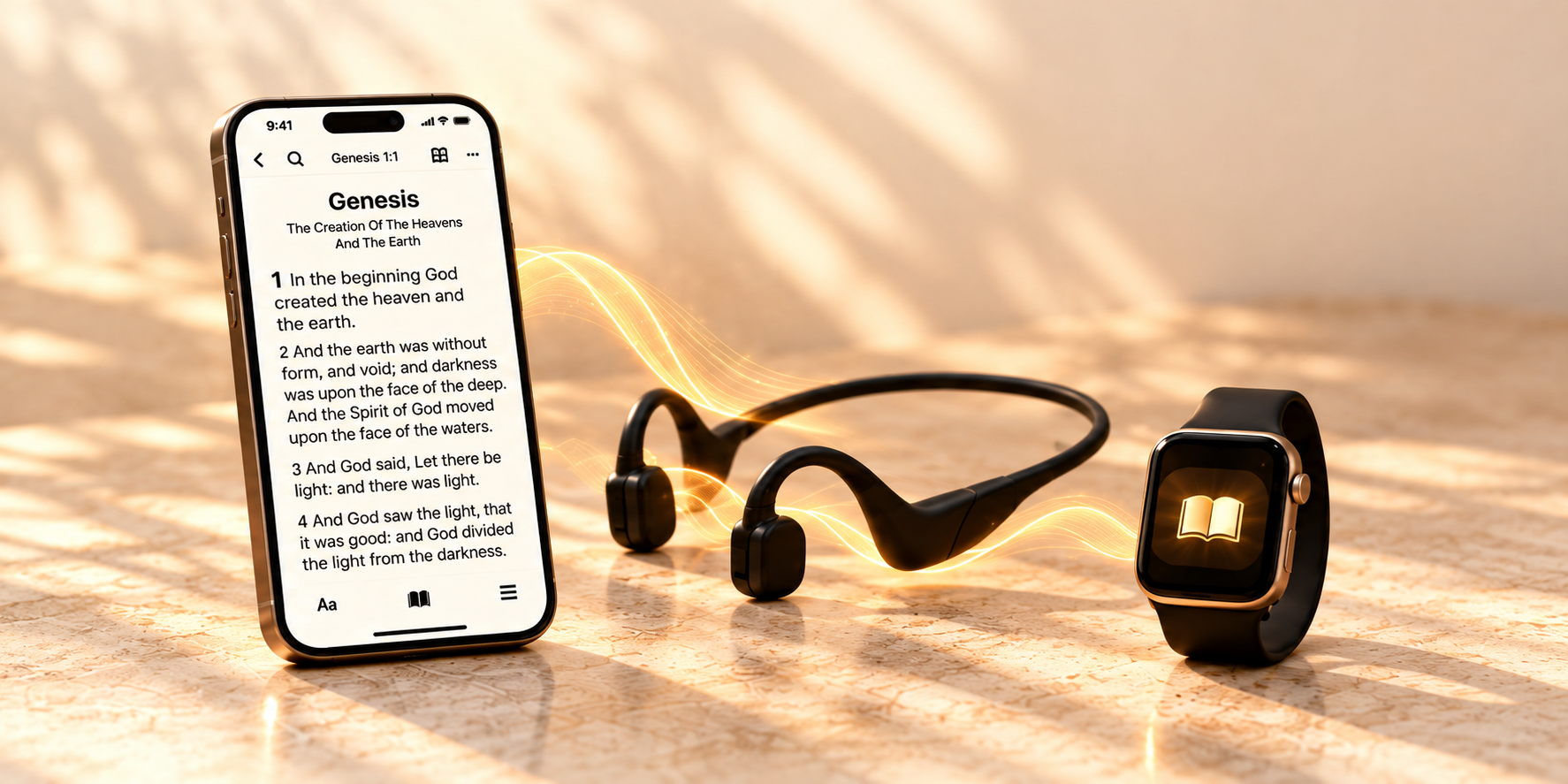
Start listening on your phone
- Open Bible Explorer and choose a passage.
- Press and hold the up/down-arrow autoscroll control to open Autoscroll Settings.
- Turn Read aloud on. You can also choose whether to announce chapters and verse numbers.
- Scroll to Done and tap it to return to the passage.
- Press Play in the reader audio controls. Turning Read aloud on makes audio available; playback starts when you press Play.
Already turned it off?
Your saved audio choice is remembered. Follow the steps above whenever you want to turn narration back on. Control labels can vary by version; some layouts show Audio On and Save.
If you still hear nothing
- Raise your phone’s media volume while playback is running.
- Check whether sound is going to your phone, headset, or another Bluetooth device.
- Confirm that Read aloud is on and playback is not paused.
Control is a tap away
On iPhone, open Bible Remote on your paired Apple Watch to control playback and looping. Sound comes from the phone or its connected headset. Android does not currently include a watch remote.